Fix a subscription that isn't showing up
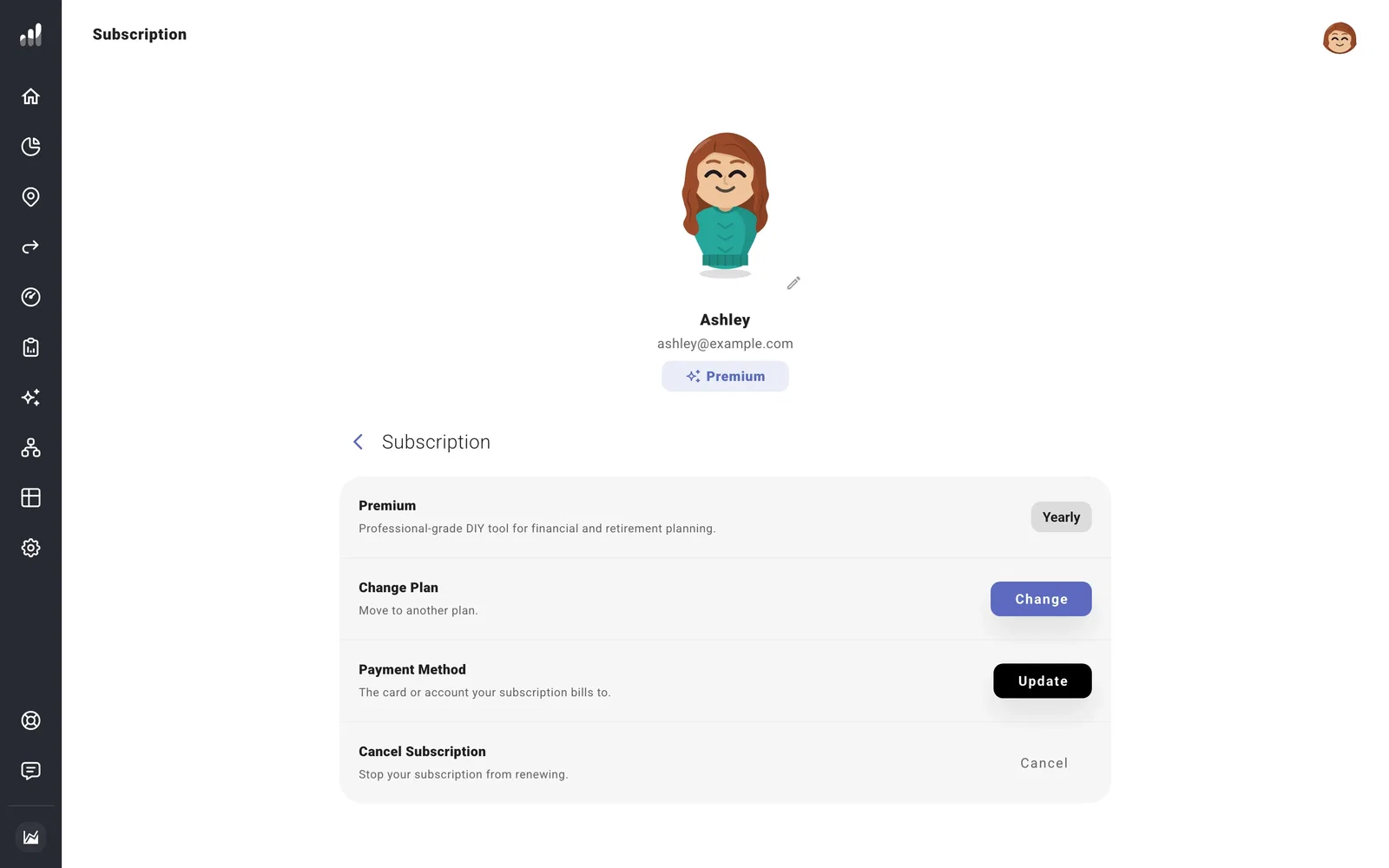
If you paid for Premium but still see an upgrade prompt, open Account Settings > Subscription. A completed checkout can take a few minutes to appear. Give it a moment, then refresh once.
If something looks off
It still shows Basic
Confirm you’re using the same account and sign-in method as when you purchased. Google sign-in and email sign-in can lead to separate accounts with the same email if they were set up separately. Where is my data? shows how to check.
My subscription details won’t load
Try your phone on cellular data. If it works there, a VPN, browser extension, or network security tool may be blocking the other connection. Fix browser or connection problems has the next checks.
The payment is Past Due or Paused
Use Update Payment Method to update the payment details and give the provider time to retry. Give the existing payment time to resolve before buying another subscription, so you avoid paying twice.
If the account and connection are right, contact support from your account email with the purchase date or receipt. We can help you trace it. Please leave card details out of the message.
