Plan student loan payments and forgiveness
Paying off student loans, or hoping for forgiveness? Add your loans to see when they’ll be gone and how extra payments or forgiveness change that.
Start with what you owe
Add a loan you already have on Net Worth > Add account > Debts > Student Loans. Enter the current balance, annual percentage rate (APR), owner, and monthly payment. Match the interest type and compounding to your loan terms.
For a loan you expect to take out later, add it under Plan > Expenses > Future Debts. Set Effective Date to when the debt begins and Payments Start to when repayment begins, such as after graduation or a deferment.
If you’re already repaying a loan, use your current payment. You can change Monthly Payment or Years to Pay Off to see the payment needed for a different payoff date.
Try paying it off sooner
A larger regular payment shortens the payoff timeline. For an occasional extra payment, such as money from a bonus, open the loan’s Extra Payments row to add a Flow. You can choose how much extra to pay and when to start or stop.
We recommend using Compare > What If to compare extra loan payments with saving or investing that money. You can see the interest saved alongside the change in your other accounts. Plan extra debt payments explains the funding choices.
Plan for forgiveness
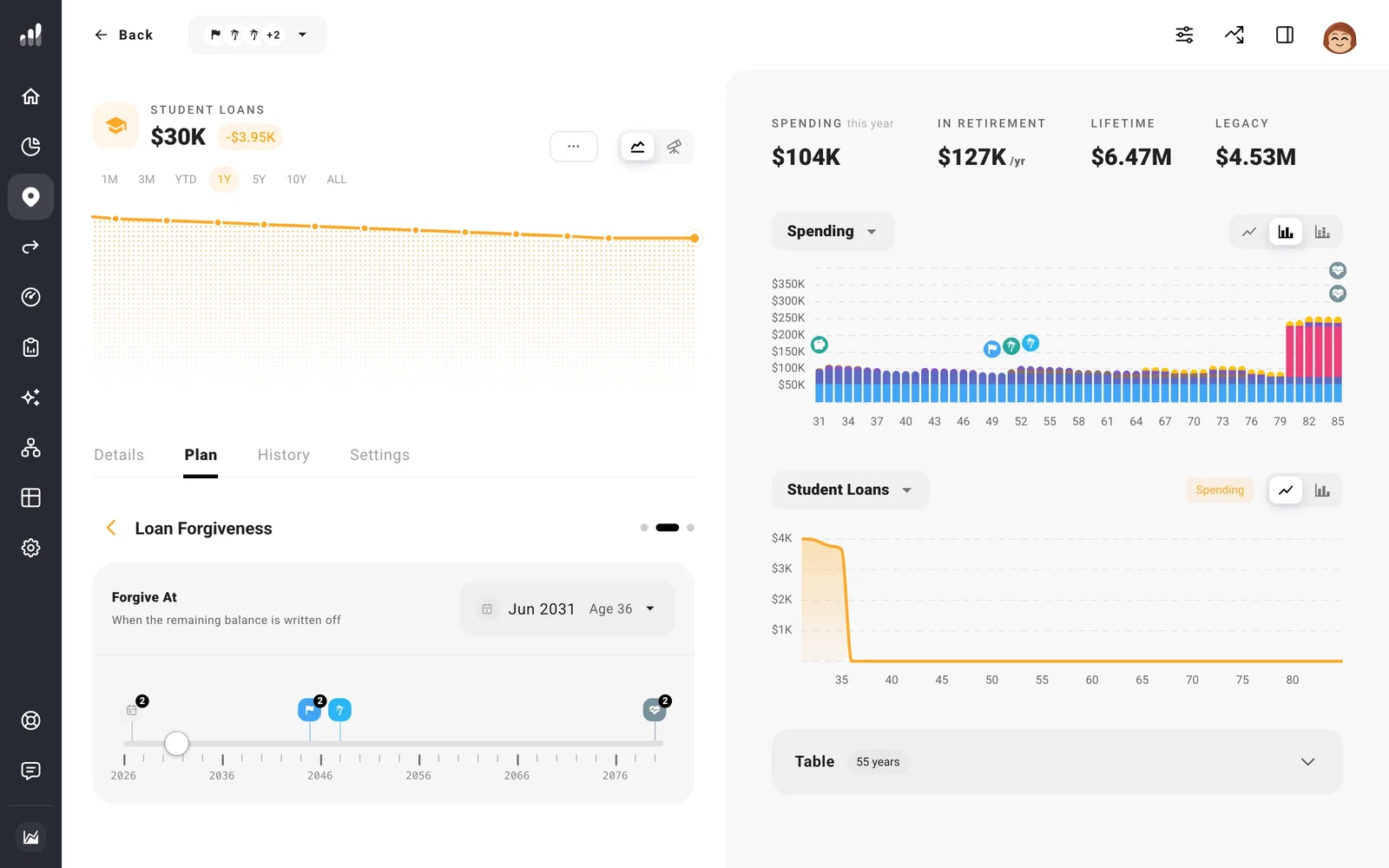
Open the loan under Plan > Expenses. For a loan you already have, select its Plan tab. Under More Options, turn on Loan Forgiveness, then set Forgive At to the date or milestone when you expect the remaining balance to be forgiven.
For US federal loans, Public Service Loan Forgiveness (PSLF) is tied to 120 qualifying monthly payments and eligible employment. Income-driven repayment plans have their own payment and discharge rules. Use your loan servicer’s payment and expected forgiveness date in your plan; Federal Student Aid has the current program requirements.
At the date you set, ProjectionLab removes the remaining balance. If you expect tax on the forgiven amount, add your estimate as a one-time expense in that year. Compare that path with paying the loan off early to see the effect on your other savings.
Next: Plan extra debt payments
