Delete your account
Deleting your account closes your login and permanently removes its plans, balances, history, and settings. To keep your login and subscription while rebuilding your plan, start over instead.
Download a backup first if you want to keep a copy of your planning data.
- If you have an active subscription, cancel it under Account Settings > Subscription and confirm it shows Subscription Cancelled.
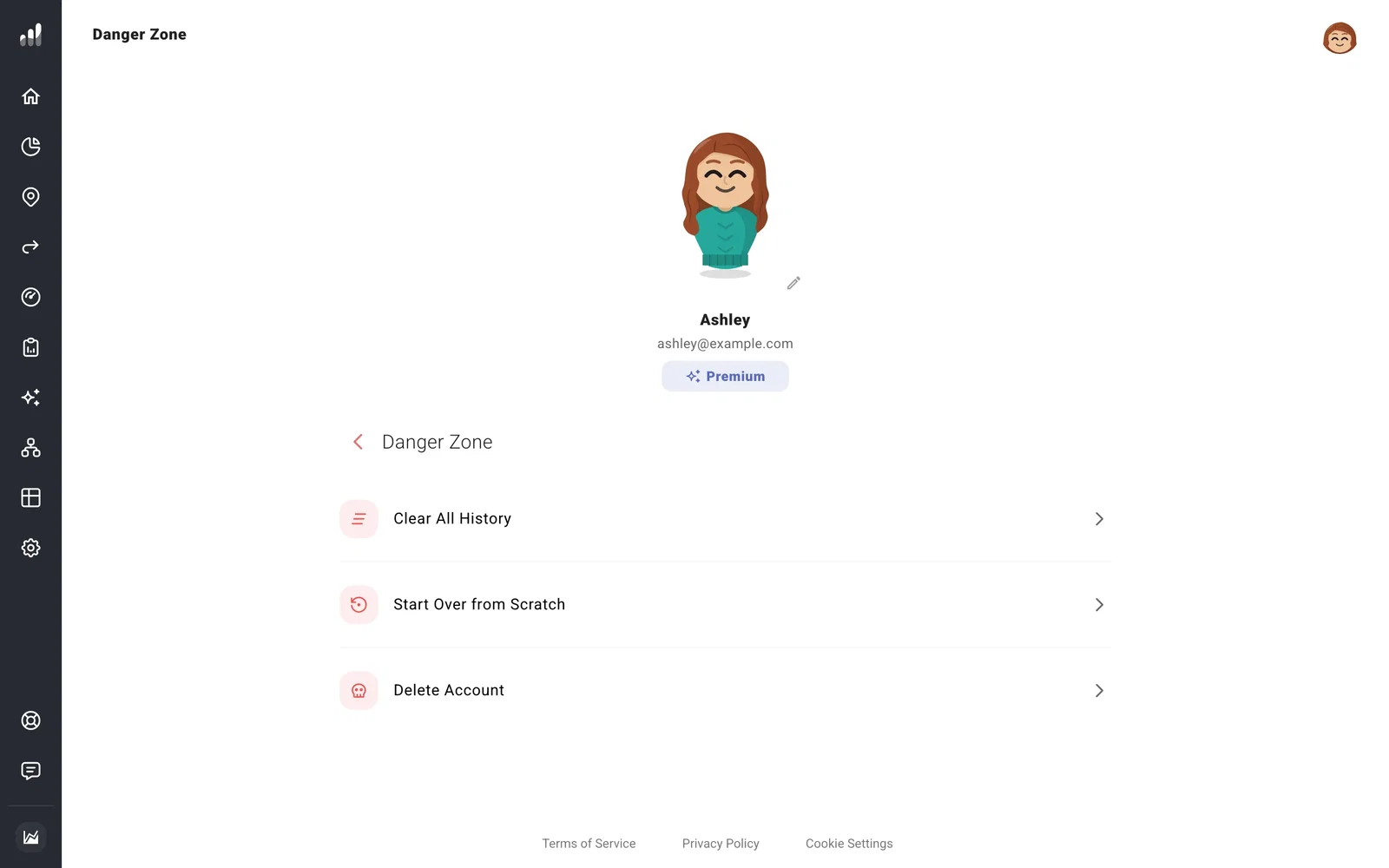
- Open Danger Zone > Delete Account. You may be asked to sign in again.
- Select Delete my account, enter your account email, and submit the confirmation.
You can delete before your remaining paid access ends, but that access ends immediately with deletion. Any backup files you’ve downloaded remain on your device. Our security page explains how backup copies and required billing records are retained.
Common questions
Delete Account is unavailable
A linked client needs their advisor to unlink the account first. Pro advisors need to remove their client profiles, and organization admins need to remove their members. An active subscription must be canceled too.
I want a refund as well
Send a refund request separately. If you’ve already deleted the account, email us from the address you used for it and include your receipt or purchase date.
