Keep balances updated with plugins
Bring balances into Net Worth from the personal finance tool you already use. Plugins can sync from Lunch Money or YNAB, import from Monarch Money, or connect a tool you’ve built yourself.
Connect a plugin
Go to Account Settings > Plugins and turn on Enable Plugins. Choose an integration from the list and follow its setup instructions. Copy your Plugin API Key into the plugin when it asks for it.
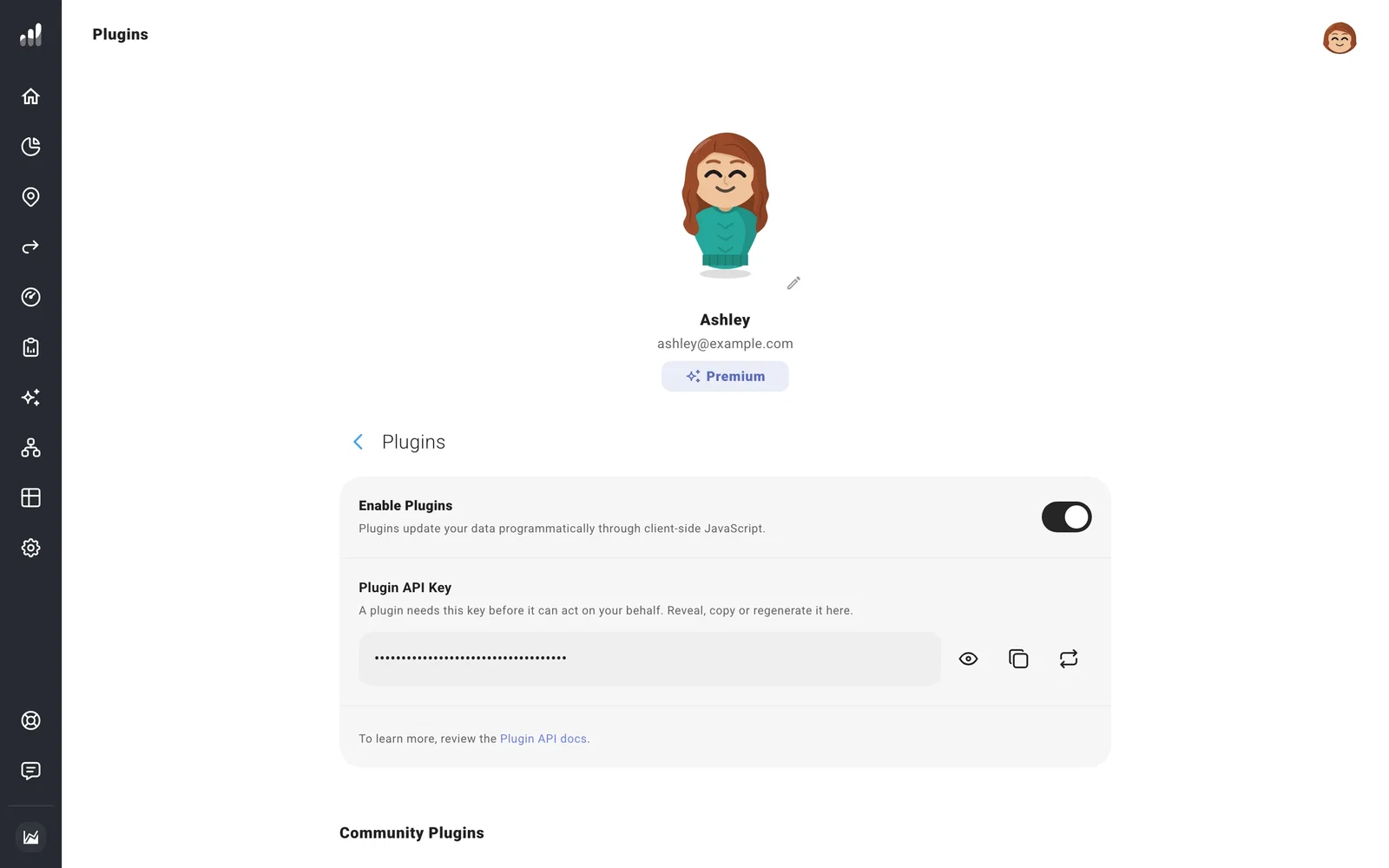
After the first update, open Net Worth to make sure the balances went into the right accounts. Updates are recorded in balance history and carry into plans that start with today’s finances.
Note
Plugins are built by third-party developers. Read the plugin’s privacy information before giving it your key. The key lets it access or change your planning data.
Lunch Money is our official partner. You can also find community integrations through the Plugins tag in our Discord community.
Common questions
I enabled plugins, but my balances haven’t changed
Finish the chosen plugin’s setup, including the API key and matching your accounts. Use its update or sync action, then open Net Worth again.
My plugin stopped working after I changed the key
Update the key in the plugin too. Regenerate replaces the old key immediately. You can also turn off Enable Plugins to stop plugin access.
Can I connect my bank?
Balance updates come through plugins or manual updates. A plugin can use a connection you’ve already set up in your budgeting tool.
